Give field teams access beyond the job site.
Use Reefspan Access on supported phones and laptops so field employees can connect to approved business networks while working away from the office.
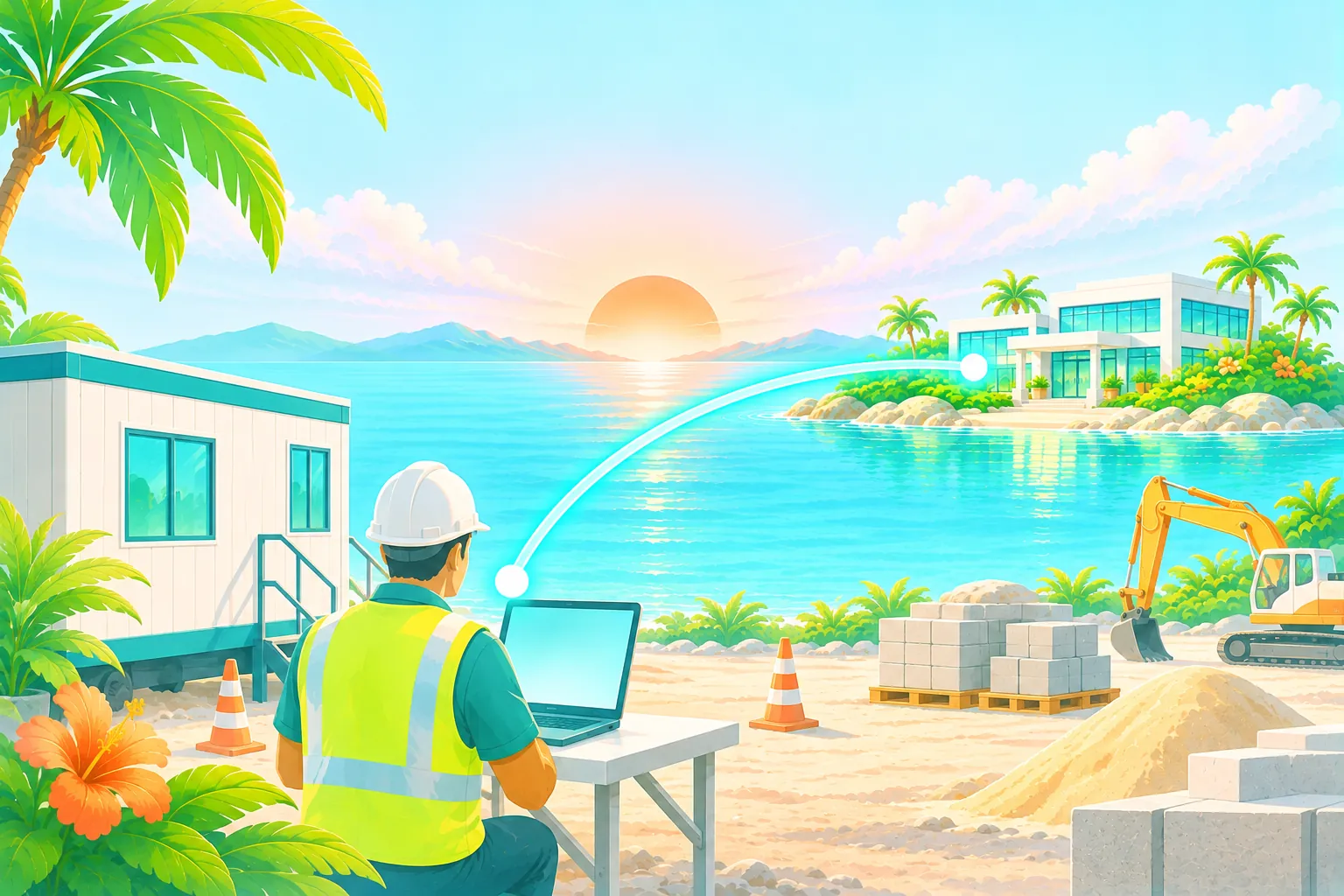
Your team moves. Your business systems stay put.
Construction crews and service technicians work across changing locations, but still need access to systems hosted on company networks. Reefspan lets your organization manage remote access and grant each person the networks required for their work.
Apps for the field
Reefspan Access supports Windows, macOS, iPhone and Android. Devices are activated with one-time codes and device-bound keys.
Automatic gateway selection
The app selects the closest healthy gateway region and automatically fails over in under a minute if that region becomes unavailable.
Connect longer-term site offices
A site office with a compatible UniFi, Fortinet, pfSense, Meraki and SonicWall firewall can use an IPsec IKEv2 tunnel for site connectivity.
Set access around the work.
Define field access
Identify the business networks each field role needs and configure routing groups.
Activate supported devices
Install Reefspan Access and activate each device using a one-time code.
Adjust as assignments change
Update routing groups as teams and responsibilities change. Connected users receive network access changes within a minute.
Designed for teams that work away from headquarters.
Reefspan Access can switch to another healthy gateway region automatically when the current region becomes unavailable. An internet connection is still required, and local network restrictions or captive portals may affect the ability to connect.




Give field teams the access they need.
Tell us how many employees work in the field, which devices they use and which office networks they need to reach.